How to Compress Product Images to a Target KB Size Without Losing Clarity
The Upload Dilemma: Resolving File Size Reject Errors
When updating online storefronts or submitting digital documents, sellers frequently encounter error messages like "image size exceeds 1 MB limit" or "upload file must be under 200 KB." Modern smartphone cameras capture high-detail photos, but they generate huge file sizes ranging from 3 MB to 10 MB per shot.
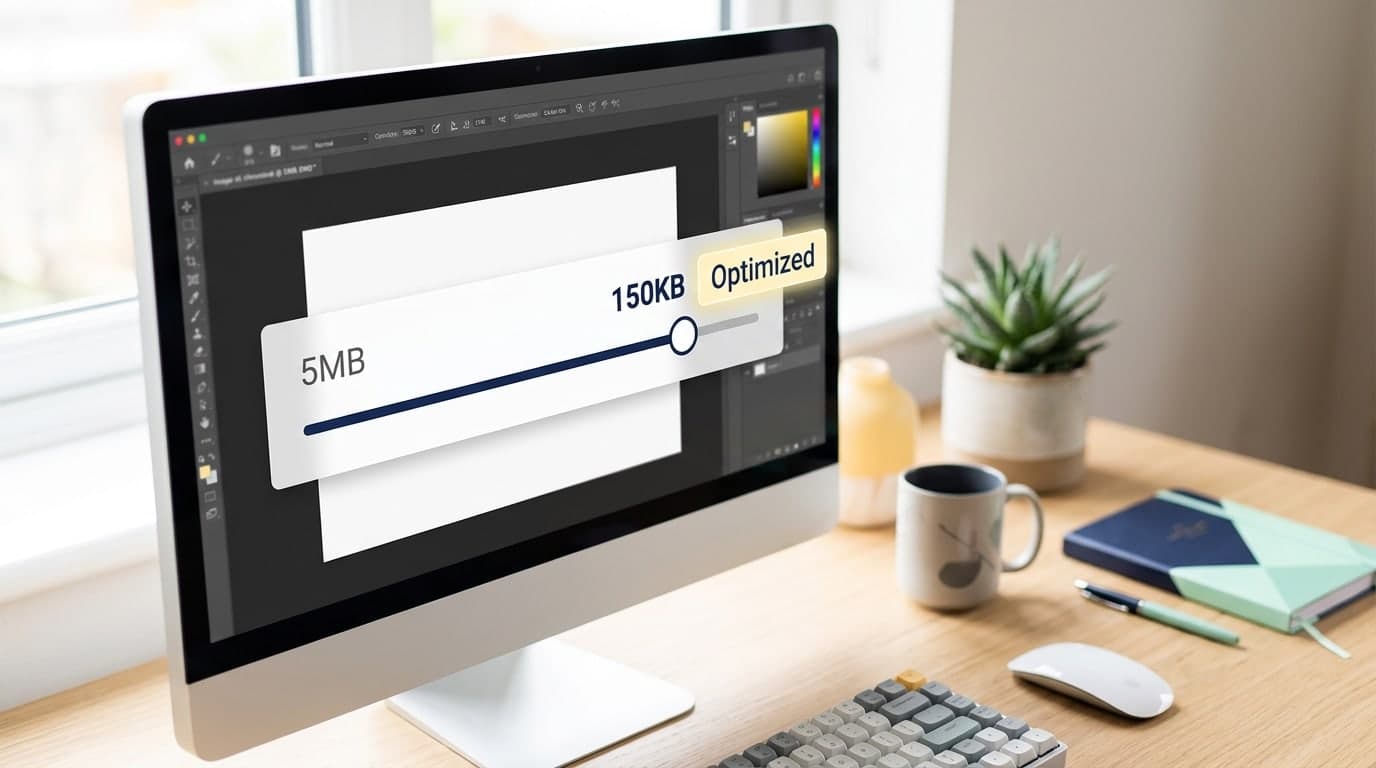
Uploading these heavy files directly slows down your page loading speeds, increasing bounce rates and frustrating customers. However, applying lazy compression results in blurry details and unreadable product labels. Mastering the technique of how to compress image to target kb size without losing detail is essential to maintain store quality.
Technical Basics: Dimensions vs. File Size
To optimize product images successfully, understand the two factors that define file size:
- Image Dimensions (e.g., 2000x2000 pixels): The physical width and height of the photo. Higher pixel counts yield sharper details but larger file sizes.
- File Size (e.g., 150 KB): The amount of storage space the image occupies. Compression groups similar pixels and drops minor color details that the human eye cannot easily distinguish to reduce space.
Effective Ways to Compress Image Files to a Specific Target Size
Manage your e-commerce photos using these best practices:
1. Resize Pixel Dimensions First
Trying to compress a massive 4000x4000 pixel photo directly to under 200 KB results in heavy distortion. First, resize the dimensions to e-commerce standards like 800x800 or 1000x1000 pixels. Resizing alone shrinks the file size by up to 70% while keeping details sharp.
2. Select Modern Web Formats
Avoid using PNG formats for photography. PNG is a lossless format that results in large file sizes. Instead, convert photos to WebP or JPEG, which offer better compression ratios for web displays.
3. Use Gumrai's Target-Size Compressor
To eliminate guessing games when adjusting quality sliders, use Gumrai's Target-Size Image Compressor. Our tool runs client-side to find the optimal balance between size and quality:
- Navigate to Gumrai's target-size compressor tool.
- Drag and drop the product image you want to optimize.
- Enter your desired maximum file size (e.g.,
150 KBor200 KB). - The algorithm adjusts parameters inside your browser, outputting a file that meets your target without corrupting product details.
- Click download to save your web-ready image.
Comparison Table: Image Optimization Outputs
| Original Size | Target Cap | Detail Retention | Best Web Use Case | | :---: | :---: | :---: | :--- | | 4.2 MB (4000x4000 px) | 180 KB | 92% Clarity | Main listing cover images, loads 4x faster. | | 2.8 MB (3000x3000 px) | 100 KB | High Clarity | Product listing thumbnails and grid previews. | | 5.1 MB (4200x3000 px) | 250 KB | Premium Detail | Storefront banners and hero graphics. |Frequently Asked Questions (FAQ)
1. Why is WebP preferred over JPEG for e-commerce sites?
WebP, developed by Google, provides superior image compression, reducing file sizes by 25% to 30% compared to JPEGs at similar visual qualities. This speeds up page loading times and saves server bandwidth.
2. Why do images compressed under 50 KB look pixelated?
Shrinking files too far forces the compression algorithm to discard key pixel information. For e-commerce product listings, aim for a balanced target size of 100 KB to 150 KB.
3. Can I compress multiple images simultaneously?
Yes. Gumrai's batch image processing tools let you apply target file limits to multiple images at once, saving time during bulk product uploads.
Summary: Improve Page Speed to Boost Conversions
Fast-loading, sharp product photos improve user experience and increase store sales. Optimizing your visual assets before uploading protects your SEO rankings and keeps your shop loading fast.
Compress your images today using Gumrai's Target-Size Compressor, adjust product dimensions with the Image Resizer, or enhance soft photos with our Image Upscaling Tool.
Want to set more accurate costs and selling prices?
Try Gumrai tools to calculate profit, set prices, and manage back-office tasks to make decisions faster.