Invoice and Receipt Guide: How to Issue Valid Receipts for Small Online Businesses
Handling Corporate Client Document Requests as an Individual Seller
For independent online merchants and freelancers operating as sole proprietors (under personal tax structures), receiving requests for formal paperwork is common. A corporate client or government agency orders a batch of products and asks for an "official invoice" or "payment receipt" to process their internal accounting payouts.
This request often causes concern for unregistered sellers. You might wonder: Can an individual legally issue a valid receipt without being registered as a company? And will corporate accounting departments accept it? The answer is yes. Sole proprietors can legally issue bills and receipts that corporate tax auditors accept as valid business expenses, provided the documents contain specific identifying elements. Knowing how to draft these papers helps you secure high-value B2B orders with confidence.
Five Essential Elements Every Individual Receipt Must Display
To ensure tax compliance and accountant approval, your receipt layouts must display these five information areas:
- Seller Details: Your full legal name, active business or home address, and tax identification number (for individuals, use your 13-digit national ID number).
- Buyer Details: The registered company name, office address, and tax ID number of your corporate client.
- Transaction Date: The exact day payment was received, used to track tax filing periods.
- Product or Service Description: An itemized list showing quantities, unit prices, discounts, and total calculated values in both numbers and text.
- Authorized Signature: The physical or digital signature of the seller confirming that funds have been received.
Quotation vs. Invoice vs. Receipt: When to Use Which
Use the correct document type based on the payment stage:
- Quotation (Price Quote): Sent before payment. It outlines services and pricing estimates for customer approval.
- Invoice (Bill): Issued to request payment, detailing payment instructions and terms.
- Receipt: Issued immediately after receiving payment, serving as final transaction proof.
Generate Invoices and Receipts Online with Gumrai
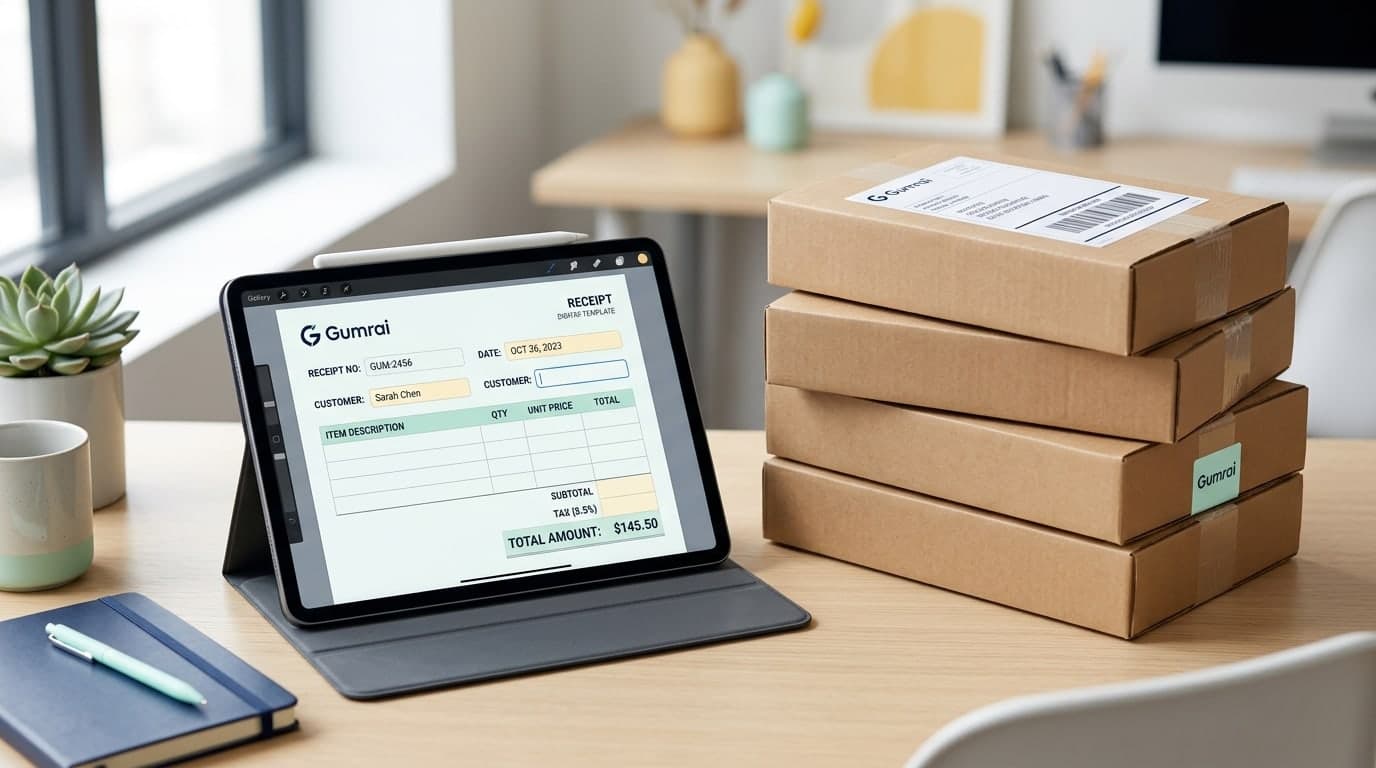
Instead of manually alignment fields in Microsoft Word or Excel, use Gumrai's free browser tools to generate standard tax compliance documents in seconds.
Navigate to Gumrai's Receipt Maker and follow these simple steps:
- Input your seller information (name, address, national ID).
- Input your customer's company details.
- Add line items, quantities, unit prices, and discounts.
- Our system calculates totals and generates the wording automatically.
- Upload your signature graphic or sign directly in the designated field.
- Click Save to download a sharp PDF version ready for email or print.
Real-World Small Business Scenario
Scenario: An online grocery merchant received a B2B order of 30 fruit gift baskets worth $500. The corporate buyer requested a formal receipt. The merchant used Gumrai to generate a PDF quote, followed by a detailed receipt once bank transfer cleared. The buyer's accounting team approved the payment without delay, praising the clean document structure.
Crucial Tax Guidelines for Unregistered Stores
- Do Not Include VAT: If you are not registered for Value Added Tax, do not label your document as a "Tax Invoice" or list a 7% VAT charge. Issuing an unauthorized tax invoice carries heavy legal penalties under local laws.
- Document Archiving: Store copies of all issued receipts and invoices systematically in folders to serve as evidence for personal income tax filings.
- Disclaimer: These templates are intended for general business administration. Consult local tax authorities or a certified public accountant for specific bookkeeping requirements in your region.
Frequently Asked Questions (FAQ)
1. Do corporate accounting departments accept receipts issued under personal names?
Yes, provided the receipt contains complete seller tax IDs, buyer company details, itemized totals, and matching bank transaction logs.
2. Should I include document running numbers?
Yes. Using sequential running numbers (e.g., No. 101, 102) helps you organize sales records and simplifies accounting checks. Gumrai has a built-in auto-running number generator.
3. What is Withholding Tax?
If a corporate client pays you for services, they may withhold a small tax percentage (usually 3%) and issue a withholding tax certificate. Save these files to offset your personal income tax liability at year-end.
Summary: Professionalize Your Sales Operations
Organizing your billing system makes your small business look professional and opens doors to lucrative corporate partnerships.
Generate your first receipt today using Gumrai's Receipt Maker, create matching invoices at Gumrai's Invoice Maker, or manage your service agreements with our Contract Builder.
Want to set more accurate costs and selling prices?
Try Gumrai tools to calculate profit, set prices, and manage back-office tasks to make decisions faster.