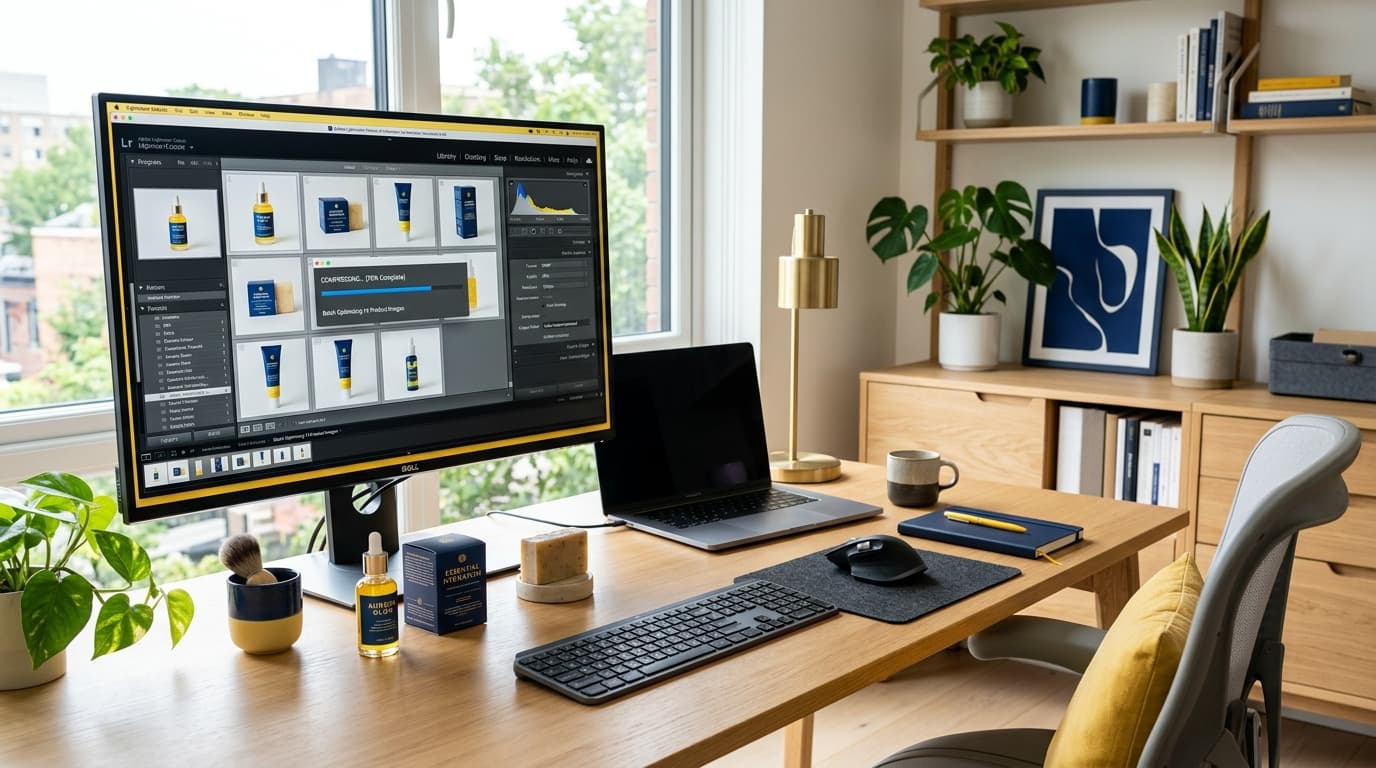
Image Compression and Format Conversion: Guide to Faster Loading Product Pages for Online Sellers in 2026
Why Excessively Large Product Images Are Driving Customers Away
For online businesses, product images represent the first interaction that leads to a purchase. Because customers cannot touch or inspect the actual product, stores often make the classic mistake of uploading high-resolution photos straight from professional cameras or modern smartphones without any compression.
As a result, each image files ranges from 5 to 10 MB, causing product pages to load slowly. In 2026, buyers expect instant gratification. If a page takes more than 3 seconds to load, bounce rates skyrocket, meaning you lose sales opportunities and waste advertising budget.
Understanding Main Image Formats: JPEG vs PNG vs WebP
Selecting the correct file type can reduce file sizes by over 50% while maintaining crisp product details:
- JPEG (.jpg / .jpeg): Ideal for typical product photographs with complex colors and gradients. It is universally compatible across all channels but lacks transparency support.
- PNG (.png): Best for background-removed (transparent) product cutouts, logos, or typography elements. However, file sizes remain large for high-complexity photos.
- WebP (.webp): A modern image format designed specifically for the web. It supports both transparency and photographic details, compressing files up to 30% smaller than JPEG and PNG without noticeable quality loss.
3 Image Management Techniques to Speed Up Your Online Store
1. Set Correct Aspect Ratios and Scales
For platforms like Shopee, Lazada, TikTok, or your own site, the standard ratio is 1:1 square. Aim for 800x800px or a maximum of 1000x1000px. This provides sufficient zoom detail while keeping page weights down.
2. Convert Photographic Assets to WebP
If you store product assets in PNG or JPEG, convert them to WebP before uploading to reduce server storage overhead and ensure fast rendering on mobile devices.
3. Target Safe File Size Limits
Keep individual thumbnail/list images under 150-200 KB, and main banner/hero images under 500 KB to guarantee instant page response.
Conclusion
Optimizing product photos balances sharp visuals with rapid load times. It provides an optimal user experience and improves the store's search engine optimization (SEO) performance.
To compress product photos or convert file types on your browser, try Gumrai's free Image Compressor and Image Converter today!
Want to set more accurate costs and selling prices?
Try Gumrai tools to calculate profit, set prices, and manage back-office tasks to make decisions faster.