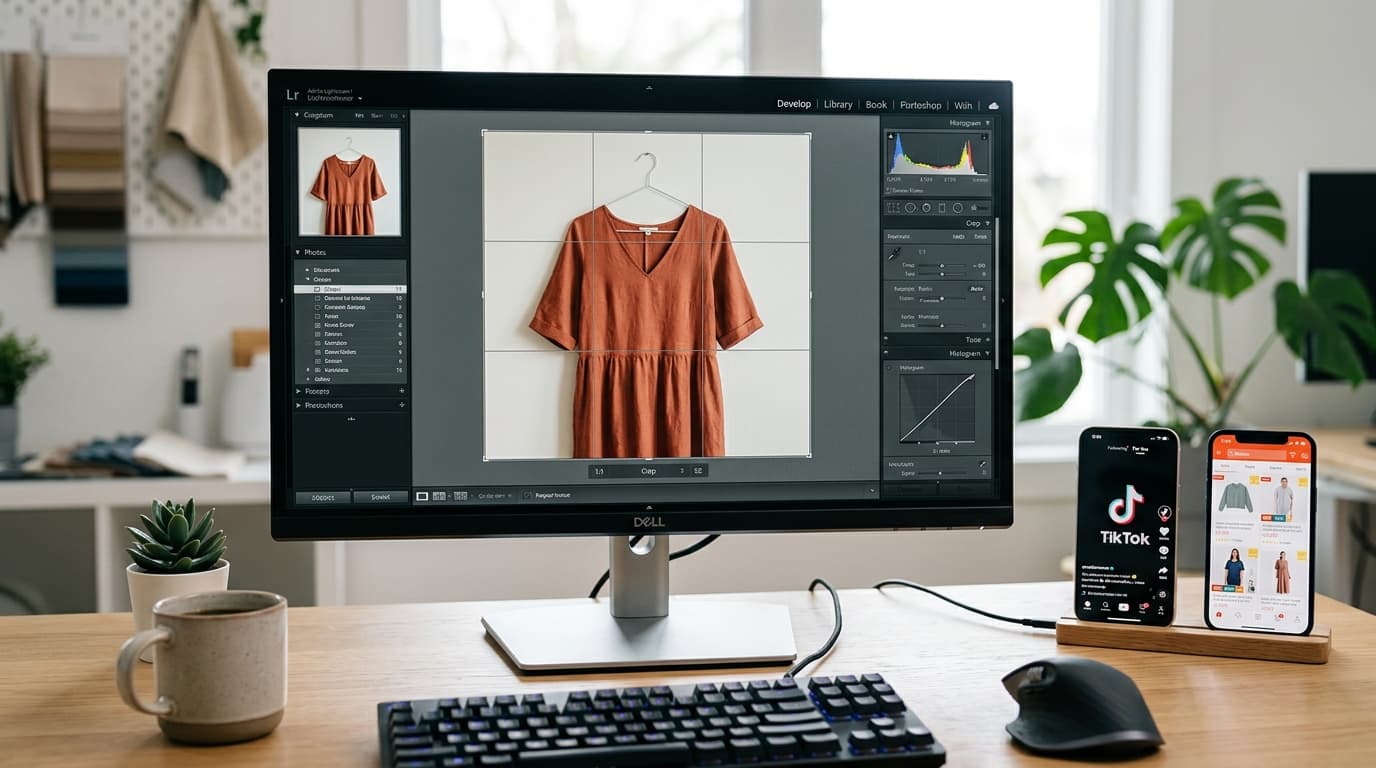
Image Resizing & Aspect Ratio Guide for Shopee, Lazada, TikTok, and Facebook: A Practical Seller Guide
Why Image Resizing and Aspect Ratios Directly Impact Your Online Sales
In the e-commerce business, product photos are the first point of contact with your buyers. Beautiful, high-resolution images that are structured properly not only capture user attention while they scroll their feeds, but also directly improve your Click-Through Rate (CTR) and conversions.
A common issue many new sellers encounter is **"product images getting cropped"** or **"stretched, pixelated, and blurry photos"** once uploaded to platforms like Shopee, Lazada, TikTok, or Facebook. This happens because each platform enforces different dimensions and aspect ratios for optimal display. Learning how to resize your images and prepare your files correctly is a fundamental step every shop must master.
Understanding Standard Image Dimensions Across Major Platforms
To ensure your product listings display beautifully without clipping, keep these platform dimensions in mind for your camera settings or design tools:
1. Shopee & Lazada (1:1 Square Layouts)
Product Listing Pages on both Shopee and Lazada display products as squares.
- Recommended Aspect Ratio: 1:1 (Square)
- Recommended Pixel Dimensions: At least 1000 x 1000 pixels (and not lower than 800 x 800 pixels) to ensure high resolution and support zoom features.
2. TikTok Shop (Bilingual Square and Vertical Layouts)
TikTok is highly flexible, supporting both vertical content and square shop layouts:
- Main Product Image: 1:1 (Square), minimum 800 x 800 pixels.
- Video Shopping / Feed Banner: 9:16 (Vertical), 1080 x 1920 pixels, matching standard smartphone screen proportions.
3. Facebook (Multi-Format Displays)
Facebook displays depend heavily on post type and campaign objectives:
- Single Post / Website Ads: 1:1 or 4:5 (e.g., 1200 x 1200 pixels or 1200 x 1500 pixels).
- Page Cover Image: 16:9 aspect ratio. Specifically, 820 x 312 pixels for desktop and 640 x 360 pixels for mobile. Design within the overlap safety zone to avoid text cut-offs.
Steps to Resize and Optimize Your Images for Free on Gumrai
If your raw photos have the wrong aspect ratios, you can adjust them in seconds using Gumrai's web tool:
- Open the Tool: Navigate to Gumrai's online Image Converter.
- Upload and Resize: Drag and drop your product photo. Set the desired width and height (e.g., 1000 x 1000 px) or select a popular aspect ratio template (e.g., 1:1).
- Download Your File: Convert and download the resized file instantly, maintaining sharp outlines without stretching the original shape.
Crucial Guidelines and Mistakes to Avoid
- Never Upscale Small Images: Scaling a 300 x 300 px thumbnail to 1000 x 1000 px results in heavy blur. Always downscale from high-resolution originals.
- Design Within the Safety Area: Place important promo text or prices near the center of covers to prevent them from being hidden by platform buttons or cropped on smaller mobile screens.
Frequently Asked Questions (FAQ)
1. Should I save product images as JPEG or PNG?
Use JPEG for standard product photos to keep file sizes small and page load speeds fast. Use PNG for logos, text graphics, or images requiring transparent backgrounds to preserve sharp vector-like outlines.
2. What happens if my product images are too large?
Marketplaces restrict image uploads to 3-5 MB. Large images also slow down page load speeds, leading to abandoned carts. Always compress and optimize photos to under 500 KB before uploading.
Summary
Formatting your product images to match platform specifications is a small but critical detail that elevates your brand's professionalism. Using an online image converter and checking aspect ratios before uploading guarantees your photos display perfectly across all mobile devices, driving user engagement and sales.
Want to set more accurate costs and selling prices?
Try Gumrai tools to calculate profit, set prices, and manage back-office tasks to make decisions faster.