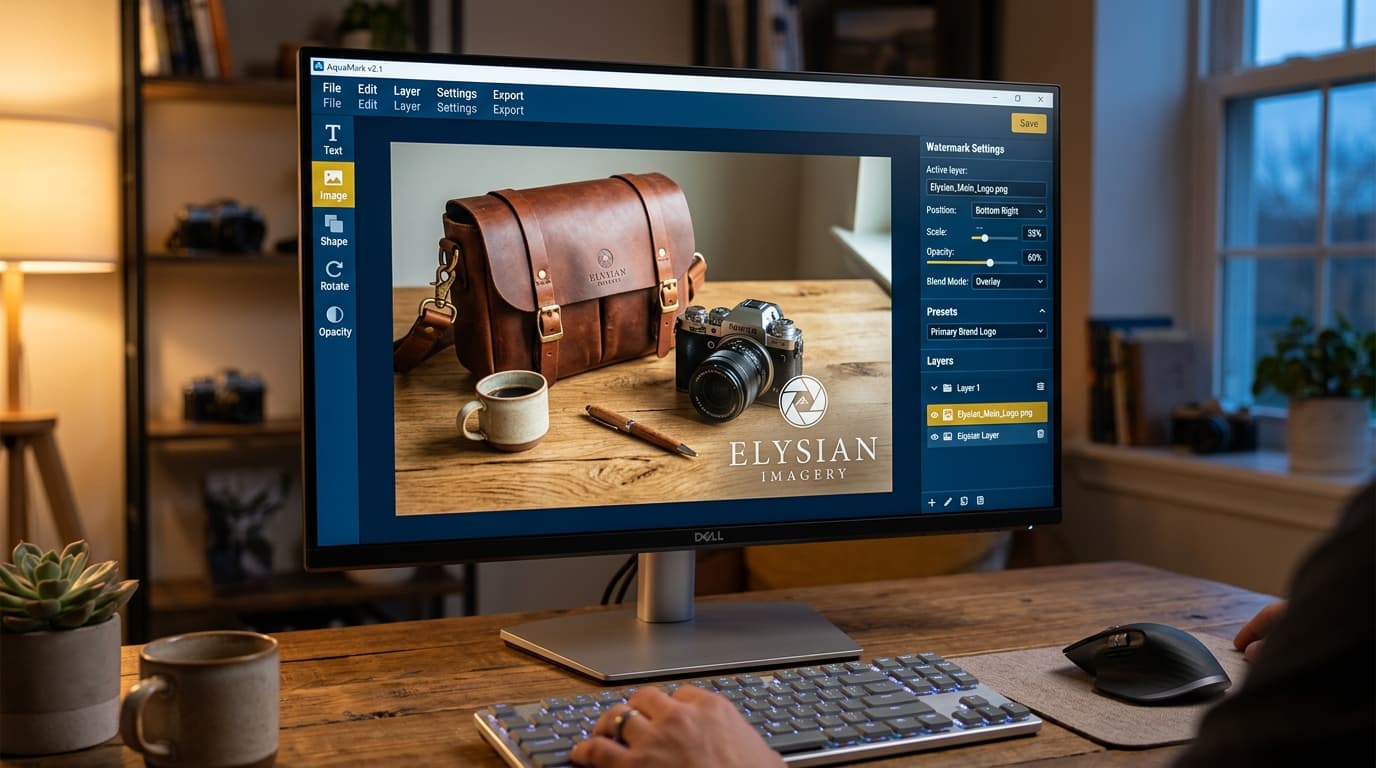
How to Watermark Product Images Automatically: Prevent Image Theft and Build Brand for E-Commerce Stores in 2026
Why Online Stores Must Pay Attention to Image Watermarking
One of the most frustrating problems for e-commerce sellers is image scraping or theft. You spend hours styling props, taking photos, and retouching product images, only to have competitor shops copy your photos and post them to sell at a lower price. This confuses customers and dilutes your business.
Watermarking is your first line of defense. It not only protects your photography rights, but a well-designed watermark also establishes brand identity and builds consumer trust.
Golden Rules for Watermark Design and Placement
Watermarks are highly effective, but placing them poorly can obscure product details and ruin your visuals. Follow these golden rules:
- Optimal Opacity: Do not use 100% solid color text or logos. Keep transparency between 15% - 30% so details are legible but not distracting from the product itself.
- Strategic Placement: Avoid placing watermarks only in the corners, as they can be easily cropped out. Place semi-transparent logos over the center or overlapping the primary product edges.
- Copyright and Details: Add your store name, URL, or social media handles under the watermark so customers looking for the original creator can find you easily.
Semi-Automated Watermarking Workflow
Editing images one by one and manually pasting logos takes too much time when uploading dozens of products. Streamline your process:
- Create Transparent Logo Templates: Keep a pre-scaled PNG file with transparency ready to drop on standard image sizes.
- Overlay Watermarks During Batch Export: Use image tools to bulk-apply translucent logos to your photo folder before uploading them to marketplaces.
Conclusion
Watermarking is a small investment that prevents image copyright theft and confirms your store's identity.
To prepare product images and convert file formats, try Gumrai's free Image Converter. For order processing and document fulfillment, use our Barcode Generator today!
Want to set more accurate costs and selling prices?
Try Gumrai tools to calculate profit, set prices, and manage back-office tasks to make decisions faster.