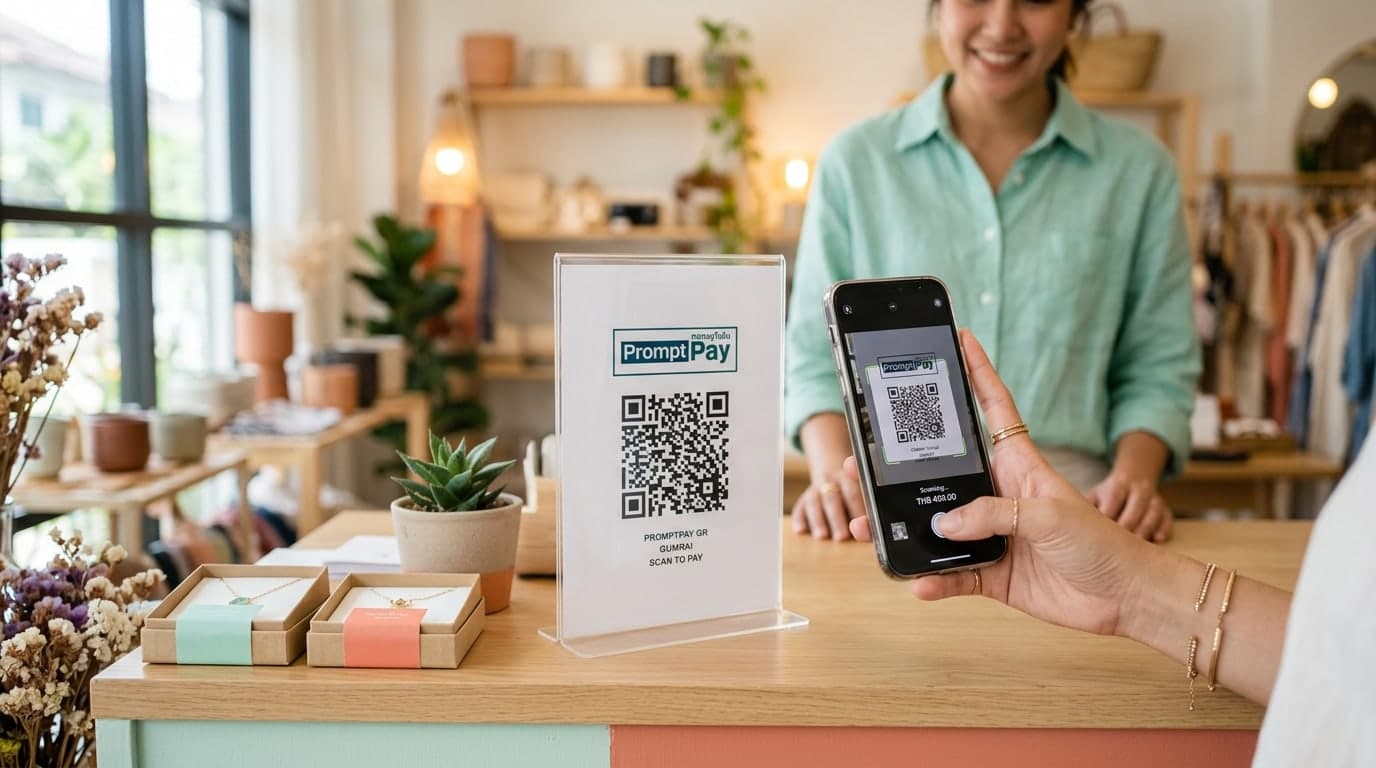
PromptPay QR Code Generation and Transfer Slip Verification Guide for Sellers
The Challenge of Bank Transfer Payments: Fast but Secure Checkout
Scan-to-pay bank transfers (like PromptPay QR in Thailand) are the most popular payment method, used by over 80% of local digital buyers. Transfers are fast, familiar, and do not charge processing fees associated with credit cards. As a result, e-commerce sellers must display payment QR codes at checkout and in direct messaging channels.
However, this convenience introduces a significant backend risk: bank transfer slip fraud. Using image editing software or specialized mobile apps, bad actors can edit bank logos, timestamps, transaction numbers, and transfer amounts to construct fake slips. If your shop processes high order volumes and lacks systematic verification checks, you risk shipping packages without receiving funds. Implementing secure QR code payment generator setups and validation workflows protects your business from losses.
Options for Generating Payment QR Codes
You can structure your payment QR codes based on your checkout design:
- Static QR Codes: Bound to a phone number or national ID. Buyers scan the code and input the transaction amount manually. Best for simple physical checkout counters.
- Dynamic QR Codes: Calculated and generated per transaction by the backend system. The scan displays pre-filled invoice amounts, preventing human input errors.
- Contact & Marketing QR Codes: Used to direct customers to customer support channels like official chat accounts or social media links to simplify B2B interactions.
Five Ways to Verify Bank Transfer Slips
Train your fulfillment team to check incoming slips using these five steps:
- Scan the Slip QR Code (Verify Transaction): Most local banking slips feature a QR code at the bottom. Scan this code using your business banking app. If the transaction is authentic, the app displays official data from the bank's database matching the transfer.
- Analyze Font Alignments and Colors: Edited slips often show uneven spacing, mismatched font styles, or varying text densities. Inspect figures closely for editing artifacts.
- Enable Real-Time Bank Alerts: Set up instant notifications via messaging apps or SMS alerts to cross-reference transactions before packing orders.
- Validate Timestamps: Confirm that the transfer time listed on the slip matches your banking app logs.
- Verify Recipient Accounts: Ensure the recipient name listed on the slip is your registered shop account, rather than a similarly named account.
Using Gumrai's Free Tool to Generate QR Codes
To direct customers to your online store or messaging support channels quickly, use Gumrai's QR Code Generator:
- Navigate to the Gumrai QR Code tool.
- Input your storefront URL, chat link, or registration details.
- Customize styles and colors to match your brand assets (e.g., modern navy or mint borders).
- Generate and download your high-quality QR graphic to share in customer chats.
Real-World E-commerce Case Study
Scenario: "Organic Thai," a skincare brand, processed over 200 orders daily. During a major sale, a customer sent a slip showing a $75 transfer. The admin scanned the slip's QR code using the business banking app, which returned a "transaction not found" error. The team halted the order, saving the store from losing both inventory and shipping costs.
Frequently Asked Questions (FAQ)
1. Is scanning slip QR codes 100% secure?
Yes. Bank verification scanners query the database of the issuing bank directly, making it impossible for fraudsters to bypass WHT verification checks.
2. Does Gumrai support dynamic payment QR code generation?
Gumrai currently generates static QR layouts and custom scan links. Dynamic, auto-calculated payment QR tools are currently in development.
3. What should I do if a bank's verification API is down?
If network issues prevent QR scanning, access your business banking app and check your transaction history directly before approving the shipment.
Summary: Protect Your Store's Cash Flow
Providing convenient payment methods while maintaining disciplined verification workflows protects your shop from fraud and supports stable business growth.
Generate your next scan link today at Gumrai's QR Code Generator, calculate your ad campaign returns with the ROAS Calculator, or issue client invoices using the Receipt Maker.
Want to set more accurate costs and selling prices?
Try Gumrai tools to calculate profit, set prices, and manage back-office tasks to make decisions faster.