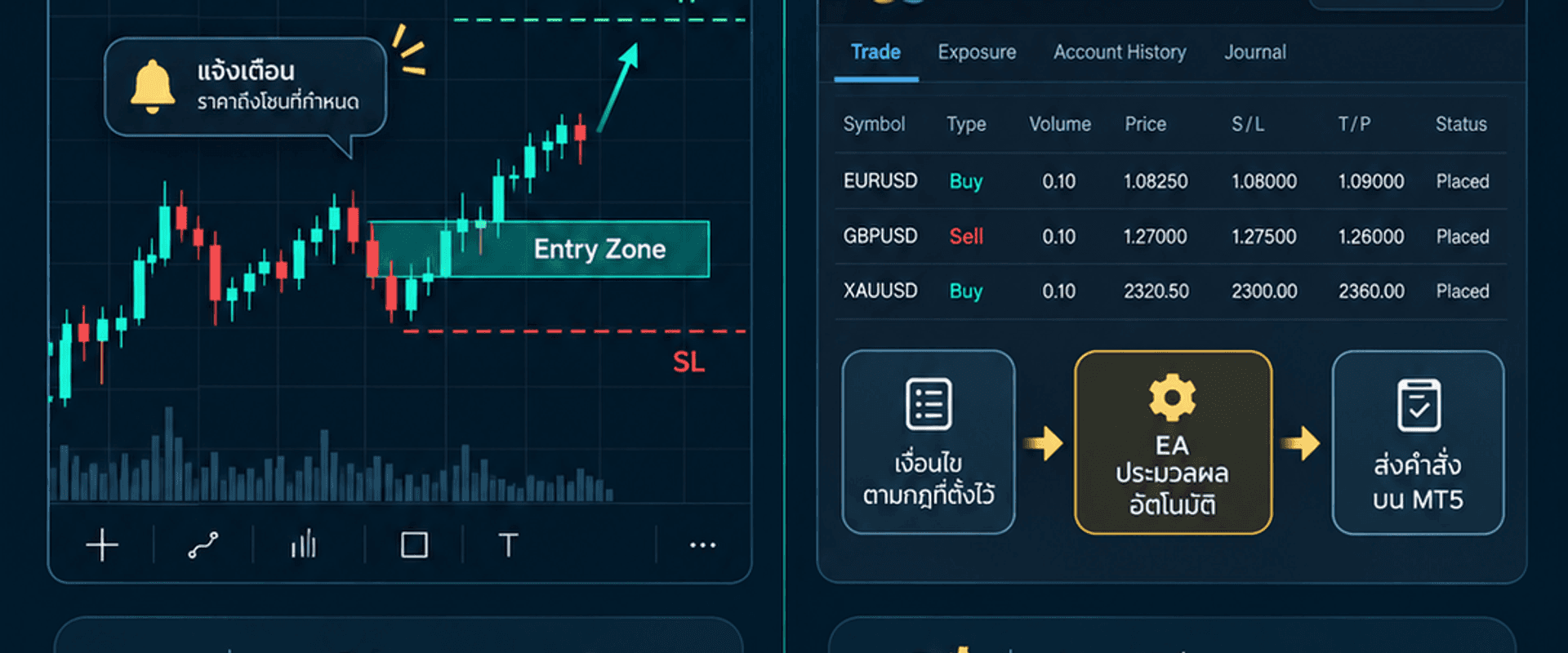
Indicator vs EA: Understand the Difference Before Using TradingView and MT5
Indicators and Expert Advisors serve different roles. An indicator primarily calculates and visualizes information so a user can see a plan. An EA can process conditions and manage trading operations according to programmed rules on a supported platform.
What does an indicator do?
An indicator processes price, volume, time, or other inputs and displays lines, zones, alerts, or dashboards. On TradingView, Pine scripts can expose alert triggers, but the official documentation explains that users must create the running alert through the chart UI. A trigger is not proof that a broker order was opened.
What does an EA do?
An Expert Advisor is a MetaTrader 5 application that can analyze data and control trading activity according to its algorithm. It may open and manage positions only after it is attached to a chart, configured correctly, and allowed to use Auto Trading at both the EA and platform levels.
Why can their timing differ?
TradingView and MT5 can use different price feeds, symbols, sessions, time zones, spreads, and tick sequences. An indicator may evaluate a forming or closed bar, while an EA processes ticks received by the broker account. Confirmation rules, latency, slippage, and execution limits can therefore produce different timing and prices.
A PREPARING state is a planning candidate, not a filled order. If confirmation never occurs, it may end as NO ENTRY and must not be counted as a TP/SL result. ENTRY is a separate confirmation event.
Which one should you choose?
- Choose an indicator when you want to see the plan and retain manual control of every order.
- Choose an EA when you understand the rules and want MT5 to execute and manage orders according to those rules.
- You may use both, but do not expect a TradingView alert and a broker fill to match tick for tick.
Before using either tool
- Verify the version, symbol, timeframe, and session.
- Recreate TradingView alerts after changing the script or inputs.
- Check MT5 Auto Trading permissions.
- Confirm lot size, contract size, spread, and stop distance.
- Test an EA in Strategy Tester and on a demo account before live use.
Explore the GUMRAI ORB VX Indicator, the GUMRAI ORB VX EA, and the ORB VX user guide.
Conclusion
An indicator helps make information and planning structure visible. An EA executes and manages orders according to rules on MT5. Both are tools, not profit guarantees. The user remains responsible for configuration, risk, broker conditions, and the decision to trade live.
Trading involves risk. This material is educational and is not a recommendation to buy or sell.
Sources
Ready to make your XAUUSD plan visible before you trade?
Explore GUMRAI ORB VX for structured Entry, System SL and target levels, then review live market context in the Live Desk.